Hermes Agent — the agent that manages its own memory
Nous Research’s agent updates its own memory the moment a session ends. A bounded, compressed memory — combined with a growing wiki.
For five articles we built the agent's memory by hand: storage, map, rules file. So what happens if we hand the whole job to the agent itself?
That question has a ready-made answer: Hermes Agent. Behind this open-source agent released by Nous Research runs a separate mechanism that manages memory on your behalf. That is exactly why I am closing the series with it: every piece we built by hand in the first five articles (the write path, the read path, the storage, the rules file) has a ready-made counterpart in Hermes.
For this final article I did not just read documentation. I studied the source code, installed Hermes on my own machine and gave it a real job. The experiment: I told Hermes to set up an automation that prepares Twitter content for me every morning at nine. It built three pieces: a service that runs continuously in the background, a cron job that fires every morning, and a skill file that is the brain of the whole thing.
The code and documentation are fully open: the hermes-agent repository and the documentation site. Below are four answers: when Hermes writes, what it writes, how tight its limit is, and how it differs from the LLM wiki.
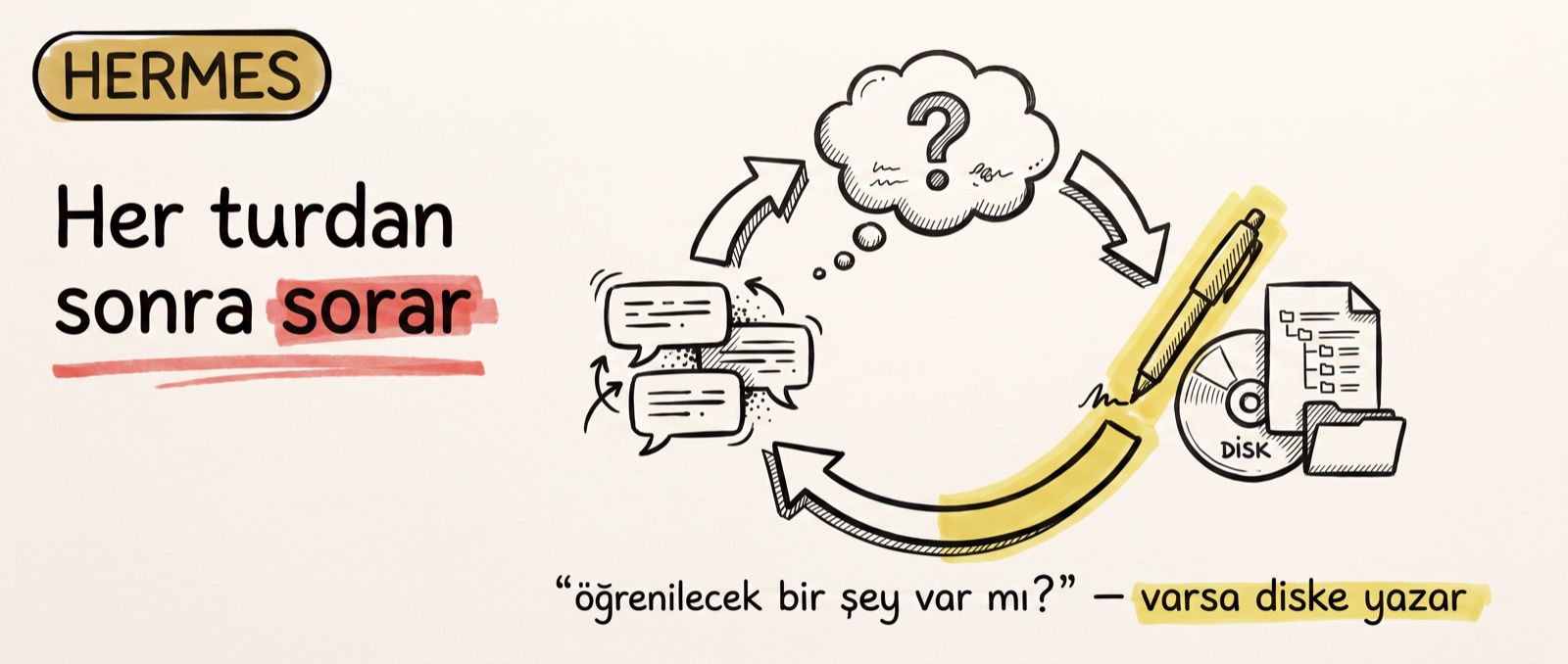
After every turn, the same question: is there anything to learn?
While the automation was being set up, a line I had not asked for appeared on screen: "Self-improvement review: Skill cron-automation-setup created." I never requested that.
After every turn, Hermes runs a copy of itself in the background and has that copy re-read the conversation from the start. The copy has one job, one question: is there anything to learn from this conversation? If there is, it writes it to disk.
The mechanism lives in the source code as a separate file called background_review.py. The copy's hands are deliberately tied: it can only use the memory and skill tools, and every other tool is rejected at runtime. It never touches the main conversation either, because the copy only starts running after the answer has already reached you.
Which is why that line on screen is not a marketing sentence but the moment the write path fires: the copy took the steps it followed while setting up cron and wrote them down for itself as a skill — "apply this checklist".
Remember the two paths from the first article of the series: writing and reading. Both ship ready-made in Hermes; we add nothing extra. The write path works as a trigger here, and the trigger is the turn itself. On the Claude Code side we built the same path by hand. So what does this copy consider worth writing?
What does it write? Not topics — how you work
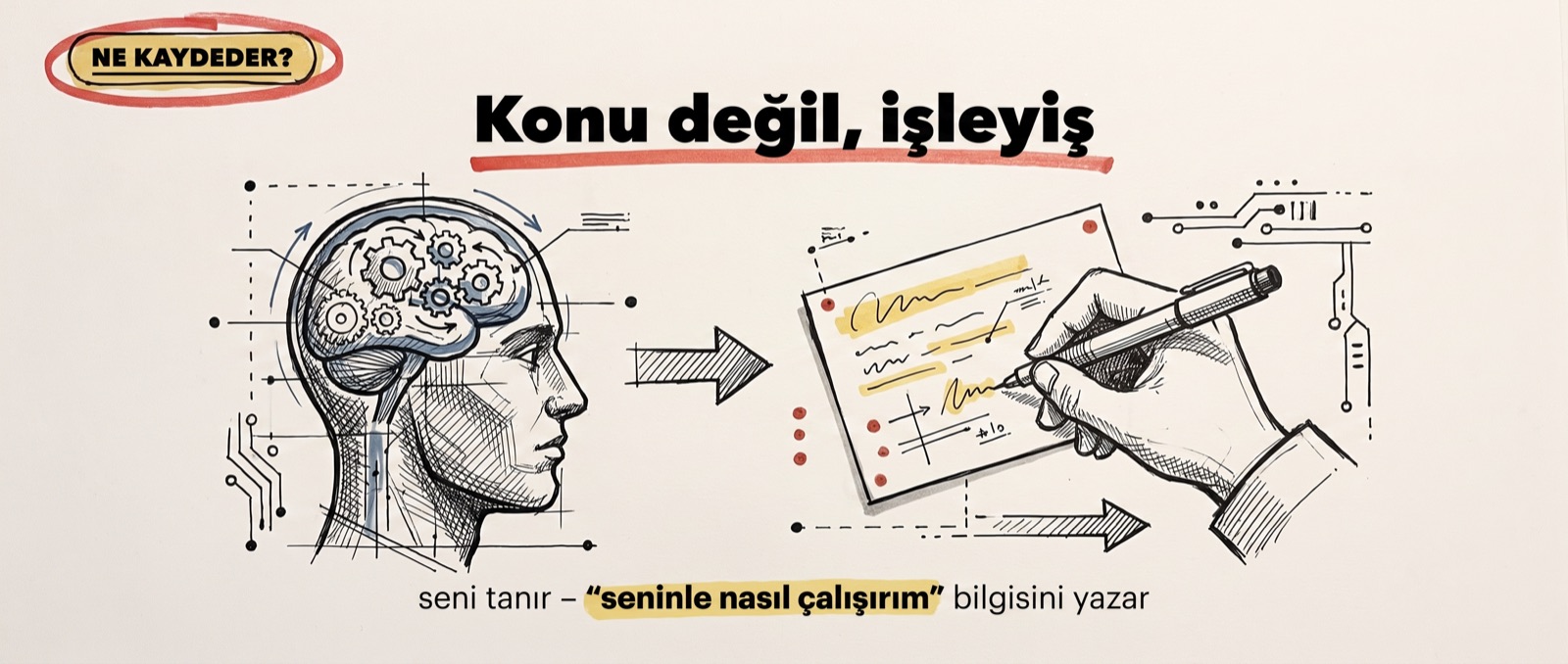
Our vault holds topics: a video project, a comment analysis, a decision. Hermes's memory holds process — the "how I work with you" knowledge. Claude Code makes a topic record like "we got a 504 error because I thought for too long"; from the same conversation, Hermes extracts the note "give Selma short answers". Both are records of the same event; one stores the event, the other stores the behavioural rule that follows from it.
For this there are two separate stores:
- MEMORY. The agent's own working notes.
- USER PROFILE. Who you are.
Both are embedded into the system prompt of every turn; this is how Hermes solves the "every session starts from zero" problem. The same split we set up for Claude Code in part 2 applies here too: the product's memory is about you, the vault is about the topic.
And what do you see when you open that skill file? No code, no database; a plain-text procedure. Read the calendar in the morning, check the day type, log it if a finished package exists, produce from raw material if not, never publish anything automatically.
The skill folders also have two distinct authors. In my setup, the agent itself wrote the skills/social-media/twitter-daily-otomasyon file; the background reviewer — the curator — wrote skills/autonomous-ai-agents/cron-automation-setup. Every write is logged into the .curator_ledger.jsonl ledger with who-and-when information and a sha256 fingerprint. Who learned what — there is a trail.
To keep the memory of such an eager writer from turning into a junkyard, the designers put a hard measure in place.
The limit: 2,200 characters — cleanup is mandatory when full
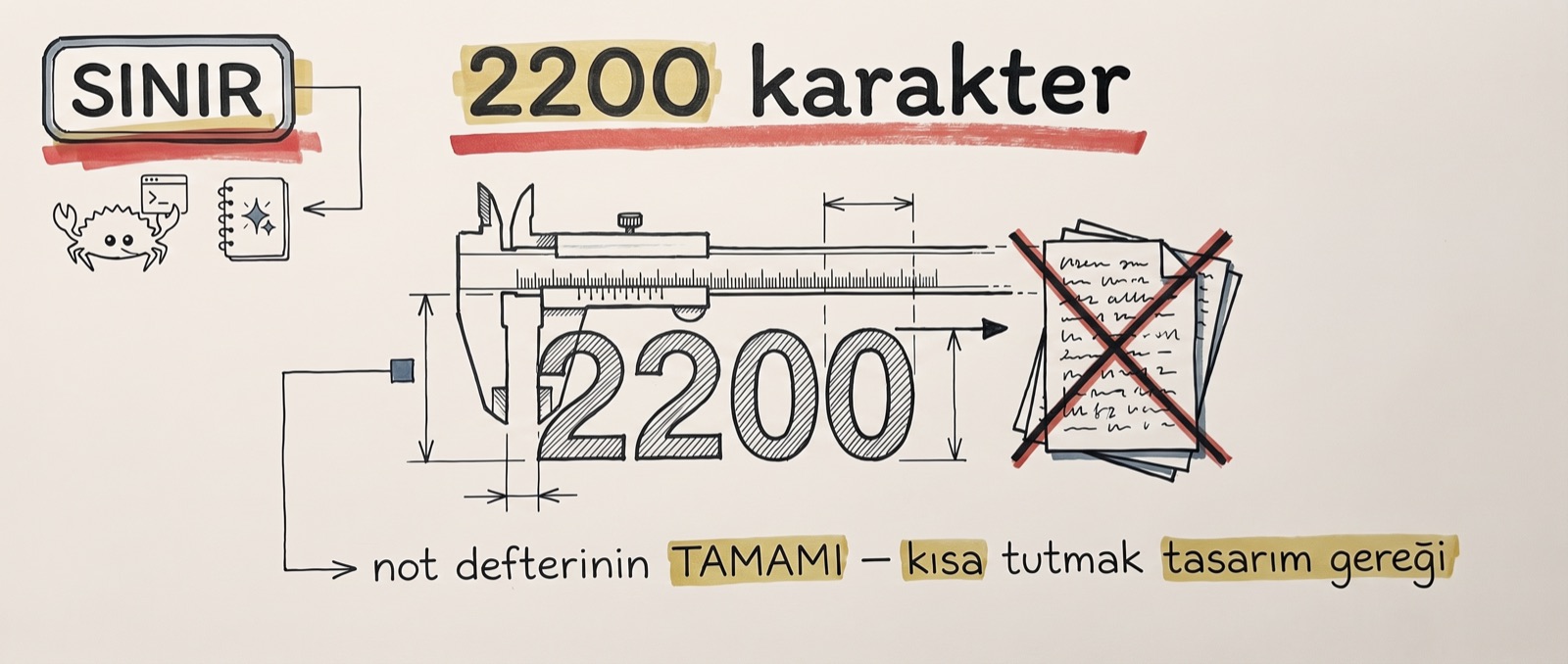
In the video I said about this limit: "Claude Code's research said 2,200 — I don't know how accurate that is." Now I know, because the memory tool in the source code states its default explicitly: the agent's notebook is at most 2,200 characters, the user profile at most 1,375. Together they are shorter than one A4 page. The numbers are defaults and can be changed in the settings file, but the philosophy does not change.
The rationale is in the code too: because these notes are embedded into every turn, the tool definition orders the records to be kept "compact and high-signal". When the notebook fills up, Hermes is forced to delete or shorten old records to make room for a new note. After three failed attempts it gives up on saving and comes back to the user; even infinite-loop protection was thought of.
The header of the memory block in the system prompt even shows a usage percentage: the agent sees, on every turn, how much of its notebook it has spent. In short, the agent is forced to clean up so the memory never becomes a junkyard.
The security side was not left empty either. Every entry written to memory goes through an injection scan, because it will end up in the system prompt; a single poisoned note would otherwise contaminate every future session.
Let me make one thing clear: Hermes does not train a model either. The first sentence of the series holds here as well; remembering means the right file being read in the background. Hermes simply writes those files itself and reads them itself. So how does this small notebook stand next to the wiki we have been building for five articles?
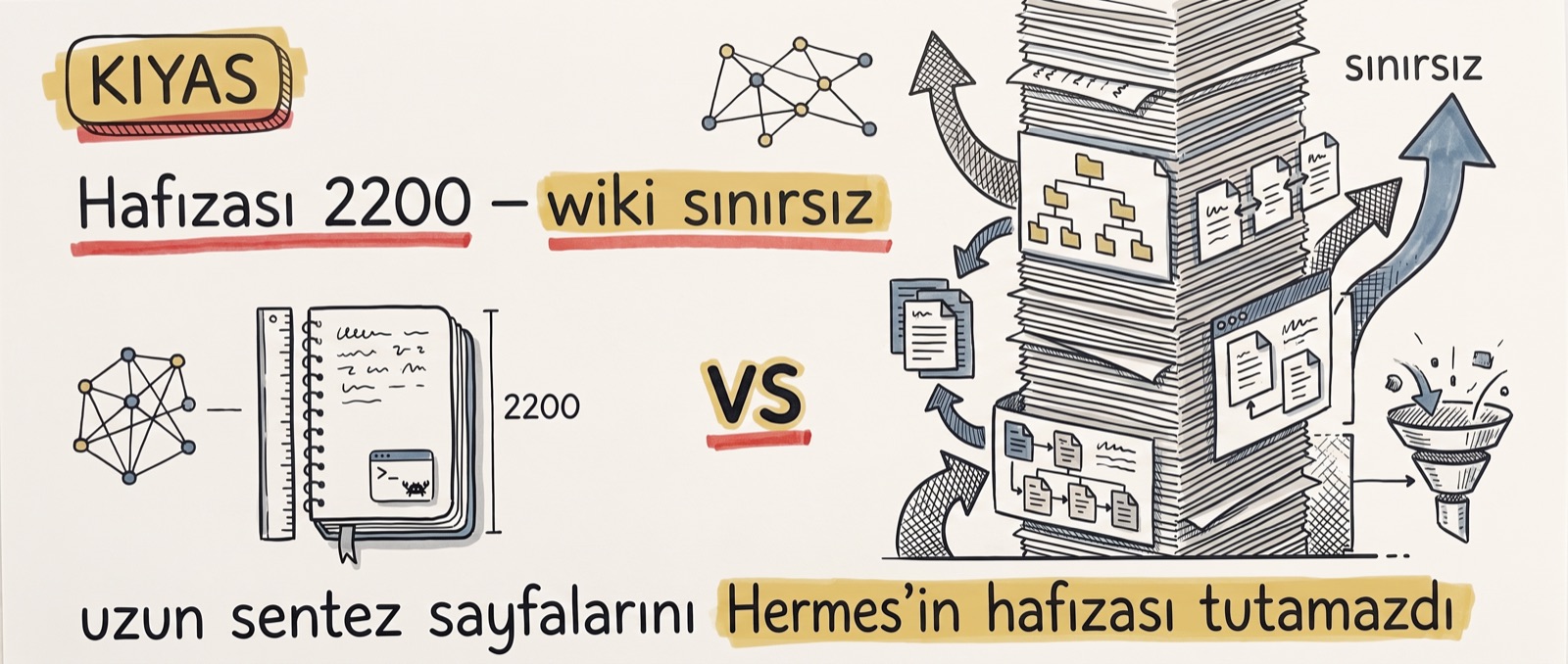
Compressed memory does not replace a growing wiki
The data Hermes stores lives on your own computer, just like ours. The structure therefore looks a lot like the LLM wiki, but it is not a wiki: no link graph, no index. Memory is a flat notebook of short notes stacked under separator marks.
The difference shows most in length. Some of the pages we synthesised in the LLM wiki exceed 2,200 characters on their own; Hermes's memory could not hold such a page. Our vault has grown to 74 files and 952 wikilinks since the first article, while Hermes's notebook will stay at 2,200 characters forever. One remembers by growing, the other by compressing; a compressed notebook does not replace a growing knowledge graph.
Mind the nuance here though: this is not a "cannot write files" restriction. The very same Hermes updated the calendar file in my automation and wrote a thousand-word article package to disk as a file. The constraint is not in its hands but in its memory: 2,200 characters is the limit of the notebook, while the filesystem is unbounded.
That is why I do not read the two as rivals. Writing process into a Hermes-style compressed memory and topics into a wiki-style growing graph complement each other; that is exactly the combination I recommend at the close of the video. What remains is the sentence I have repeated since the very start of the series.
Still no cable
Open Hermes's home folder and you expect a hidden database; what you find is files. Personality lives in the SOUL.md file, behaviours in the skills folder, notes in the memories folder. And what I call SOUL.md is a one-paragraph plain-text personality description; that little text sets the agent's tone. On a fresh install the memories folder was completely empty; I watched the first note being written in a screen recording.
Remember what we did by hand in this series: we ran the lint check by hand, we told it by hand what goes into memory, we asked for the links between pages by hand. In Hermes you can think of all of these as coming built-in; the "self-learning agent" narrative comes from exactly here.
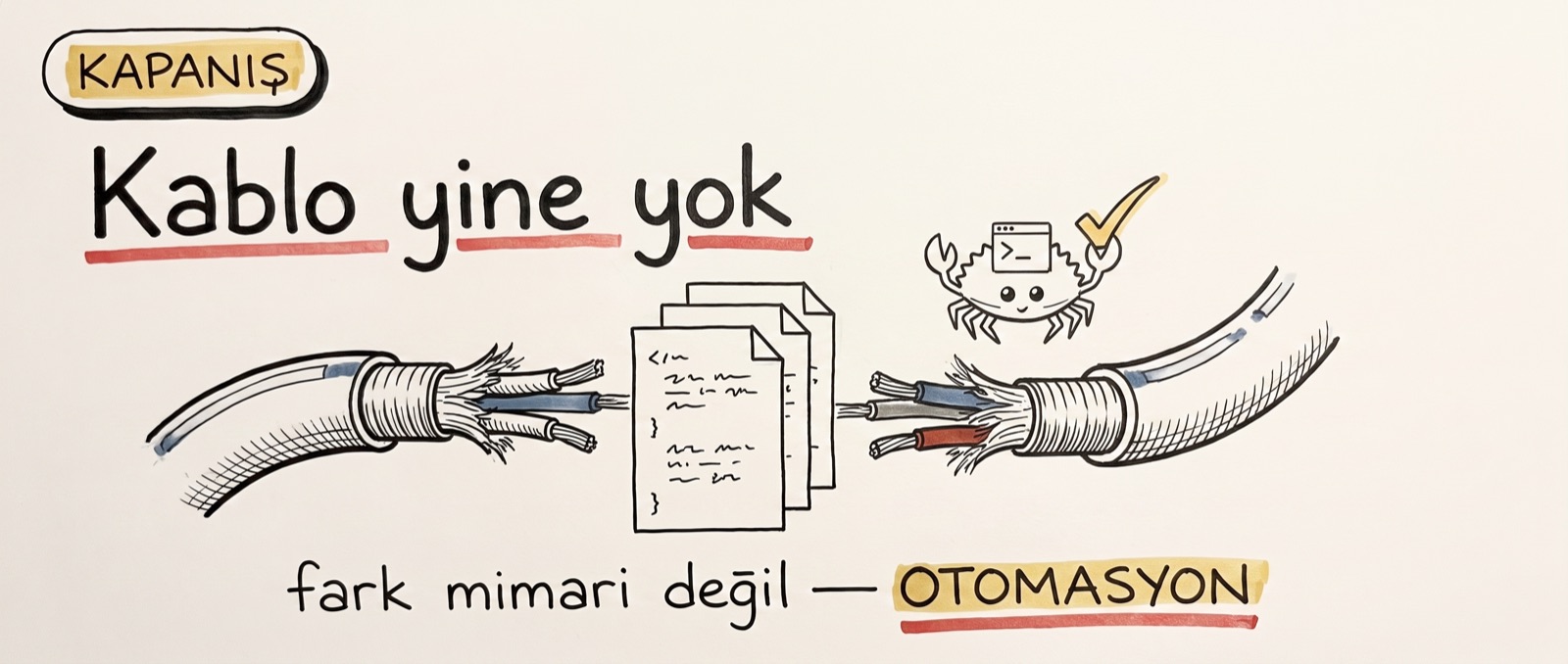
The real difference is not in the architecture but in the automation. The write-read-clean loop we wired by hand in Claude Code, Hermes runs out of the box, on every turn, by itself. The agent itself carries the data and the agent itself connects the files; once again, there is no cable.
So: all six parts come down to one sentence. Memory is the right file being read at the right moment; through auto memory, the LLM wiki, Obsidian, NotebookLM and Hermes the tools change, but the skeleton does not. Two paths, three pieces; the rest is which tool takes on which piece.
If you want to try it, the order is simple: install Hermes, give it a small job, keep the memories folder open and watch when the first note gets written. The full system I built by hand across the five articles is open source too: claude-obsidian-kit. The series ends here; the previous parts sit in order on the series page.