Do you actually need Obsidian? What it does and cannot do
The answer is a deliberate no: Obsidian does not build the system, it makes it visible. Graph, backlinks, a pane of glass — and four things it cannot do.
The most repeated question under my first memory video was: "How did you connect Claude Code to Obsidian?" The answer will satisfy no one: I didn't.
This fourth piece in the memory series opens the fourth chapter of the hour-long video, which is devoted entirely to Obsidian. In the first piece of the series we built the skeleton: two paths, three pieces. This one looks at the part of that skeleton that draws the most questions, and the chapter's answer is a deliberate "no": Obsidian does not build this system, it makes it visible. The same system runs without Obsidian, on a plain folder, a CLAUDE.md and an index.
I didn't stop at stating the claim — I measured it. I went through the configuration folders, the graph file and the backlink panel of four real vaults on this machine, one by one; every number below came out of that, on August 26-27.
The order is this: first why the cable does not exist, then what Obsidian gives you, what it cannot do, and who needs it and who doesn't.
The cable you are looking for never existed
There is no bridge, no setting, no integration to set up between Obsidian and Claude Code. They are two separate programs looking at the same folder: one opens the folder and shows it, the other opens the same folder and reads and writes. Neither is even aware of the other; on the agent's side, whether Obsidian is open or closed changes nothing.
In the video I staged this in exactly that order on purpose. First I built the file structure with the agent and connected Obsidian to nothing; then I opened the same folder in Obsidian, and the graph appeared on its own. No extra step, no plugin, no settings screen; picking the folder is enough. The whole chapter was filmed to show there is no cable in the middle.
The strongest evidence was sitting on my own disk. On measurement day, the vault the agent reads every day — 74 pages, 952 wikilinks — had never once been opened in Obsidian: there was no .obsidian folder, and its name did not appear in Obsidian's vault registry. My hardest-working knowledge graph had never seen Obsidian at all.
The thing that most resembles a cable is the Obsidian MCP server inside the Local REST API plugin. It has genuine extra abilities: heading-level editing, metadata queries, running Obsidian commands. It also has a condition: Obsidian must be open. Since Claude Code already looks at the disk, that setup means buying back a capability you already have, at the price of a plugin and an API key; the scenario where MCP is the only way is clients that cannot reach the file system.
So if it is not a connection, what exactly is Obsidian?
Obsidian is a pane of glass — an X-ray resting on top of your files
The official documentation already says it: your notes are plain markdown files and can be edited with any other editor. Everything Obsidian keeps about your vault amounts to five JSON files in the .obsidian folder. In my 27-note vault that folder is 7,547 bytes; in my 105-note vault it is 7,935 bytes: the content quadruples, the folder barely moves. Because there is no content in there — there is a font size.
The graph.json file tells the same story. I searched it for nodes and edges; the result was zero. All I found were drawing settings: repulsion force, line length, folder colors. The graph does not live on disk, it lives on screen: on every launch your files are scanned and it is computed from scratch.
There is also something called the metadata cache; but even that sits not in your vault but in the application's own folder. For my four vaults it totals 4.1 MB, and if deleted it is regenerated from the files. The single source of everything Obsidian "knows" is your .md files; delete the app and what you lose is your color preference, not your knowledge.
For honesty's sake, let me write down the one exception. Obsidian writes to your files in exactly one case: when you rename a note, it fixes the old links pointing at it inside the other notes. But that repair only runs when a human triggers it and Obsidian is open; if the agent renames the file from the terminal, the links stay broken. That is where the glass metaphor comes from: the knowledge sits behind the glass, inside the files. So what does that glass give you?
What it gives: the graph, the backlink panel, navigation — all local
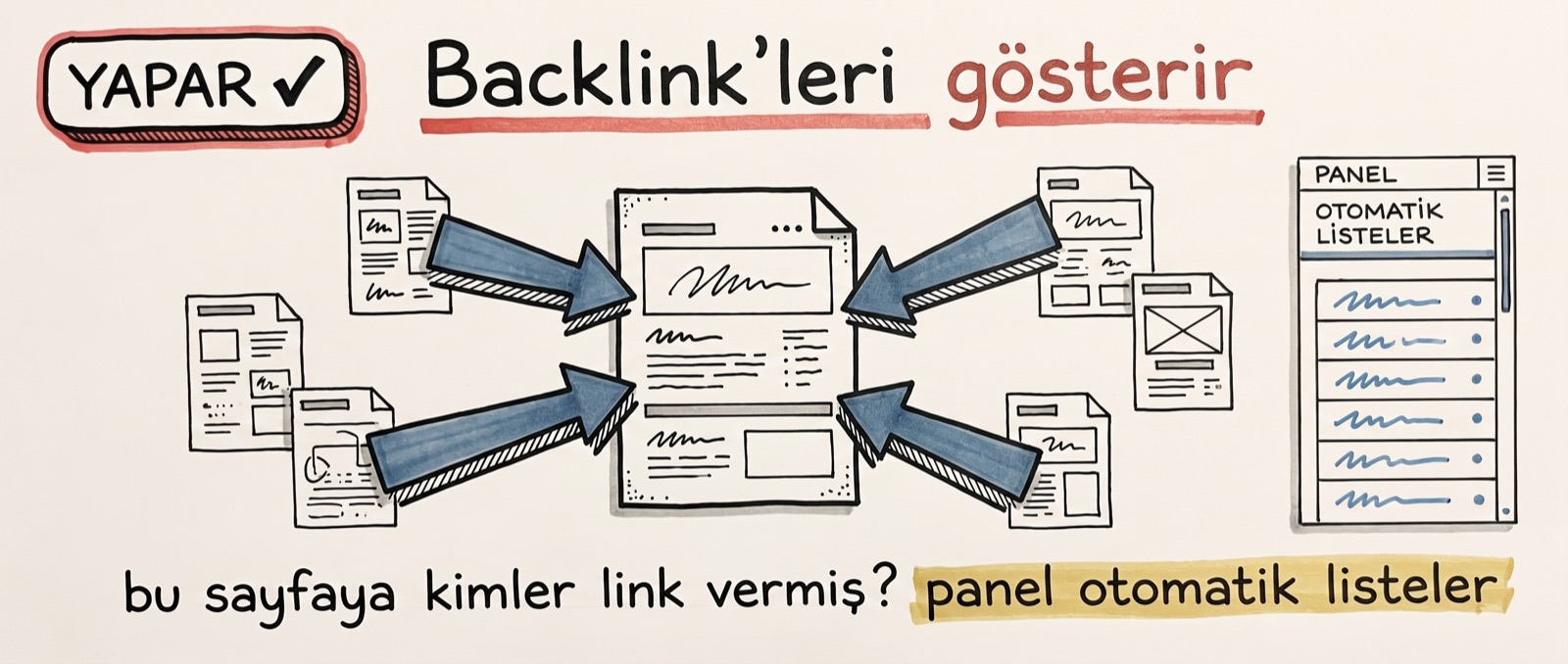
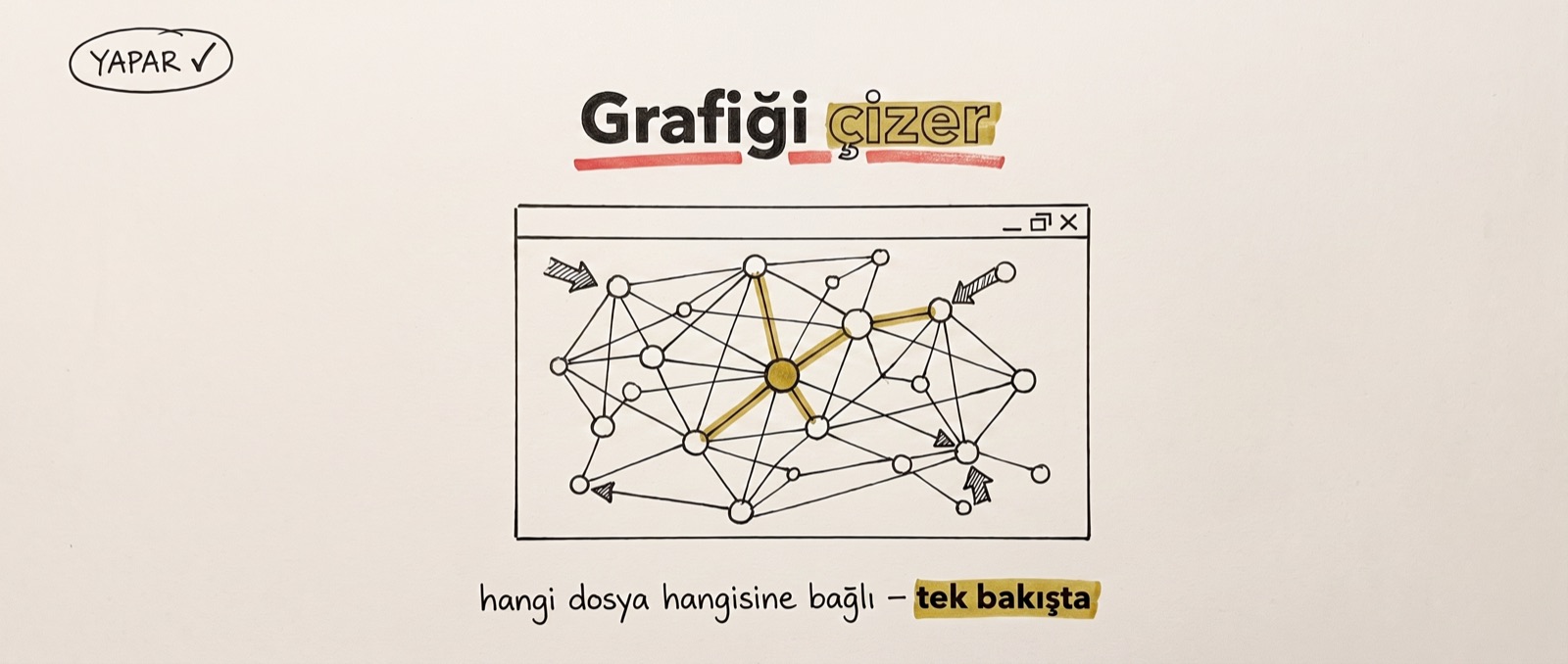
It draws the graph: which file is connected to which, at a glance. It lists backlinks: the panel automatically extracts who links to a page. It prettifies markdown and lets you wander: you click a link, you fly to the page; search, tags and filters come on top. All the while your files sit on your disk as plain text, and personal use is free: obsidian.md.
But all four of these are the same kind of work: display. I got curious about the backlink panel and reproduced it with a single grep command; the exact same six files the panel listed came back. With the same method I extracted the entire graph: 255 edges. So neither backlinks nor the graph are features that belong to Obsidian; they are two different renderings of information that already exists in the files. Obsidian does not produce this knowledge, it draws it.
Since the series' main grievance is tokens, let me leave a warning right here: do not let the agent read the .obsidian folder. In my 27-note vault the .md content is 29,218 bytes and the .obsidian folder is 7,547 bytes; if the agent reads without discriminating, one of every four bytes enters the context as panel layout and color settings. One line in your rules file is enough: do not enter folders that start with a dot.
Display is valuable; but you cannot decide without seeing its limit.
What it cannot do: four jobs — all four belong to the agent
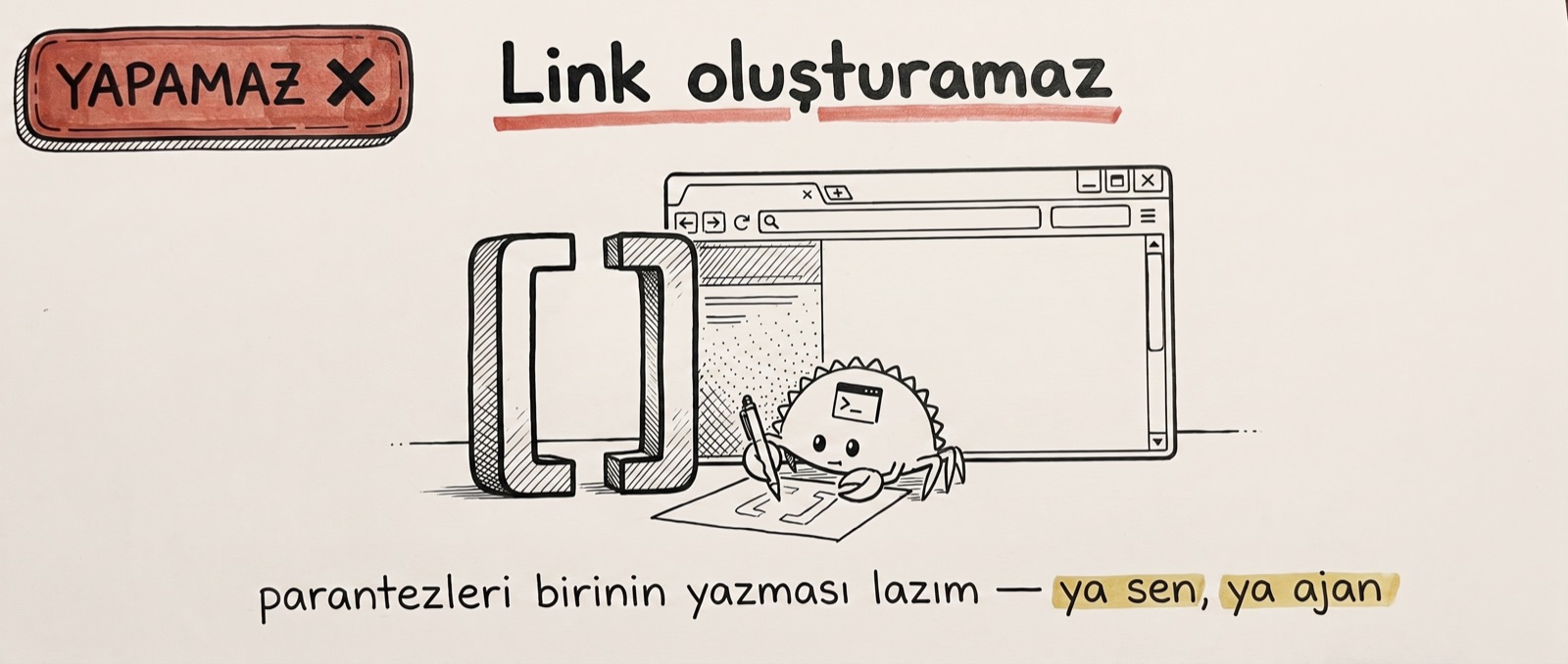
- It cannot create links. Someone has to write those double square brackets: either you, or the agent.
- It does not understand content. It shows the file but has no idea what it says; no summary, no answers.
- It does not fold a dropped file into the structure. You drag and drop, and you are left holding an orphan node.
- It does not catch contradictions. Even if two pages say the exact opposite of each other, Obsidian is not the one who will tell you.
All four of these jobs were done by the agent in this series. It updated the pages after each conversation, it built the cross-links; in the health check of the video's third chapter it scanned for orphan pages, and in the last run it found four contradicting claims and wrote them into the report. Obsidian was not even aware of any of it: it shows, but it does not think.
The division of labor: Obsidian is your eye, the agent is your hand
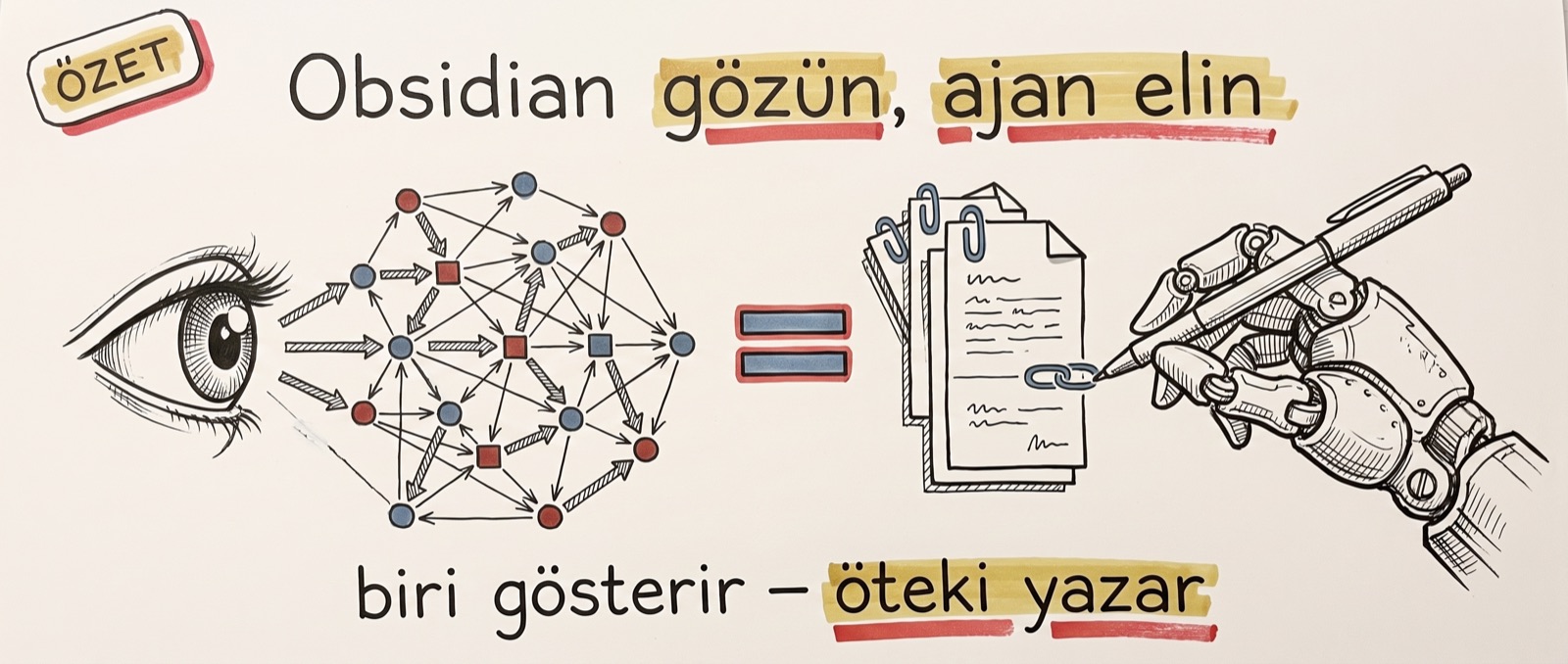
I saw the clearest example of this division at home. My father's computer has two programs on it: Claude Code and Obsidian. Nothing else is installed. While he researches data he downloads from the internet, his vault updates automatically at the end of every conversation; we set the system up together that way.
Then he opens Obsidian himself, clicks the node he is looking for, finds out which file connects to what; he thoroughly enjoys tracing people, places and events as a connected web. The roles never blur: the side that writes, links and files things away is the agent; the side that looks, wanders and gets the feeling of control is my father.
That is also the correct reading of the graph screenshots on X. I said the same thing in the video: I get it, it looks beautiful — but you can live without it. The system is not that picture; it is the files behind the picture.
Which is why the real question is not "is Obsidian good" but "will you actually look through that glass".
Four times "use it", three times "skip it"
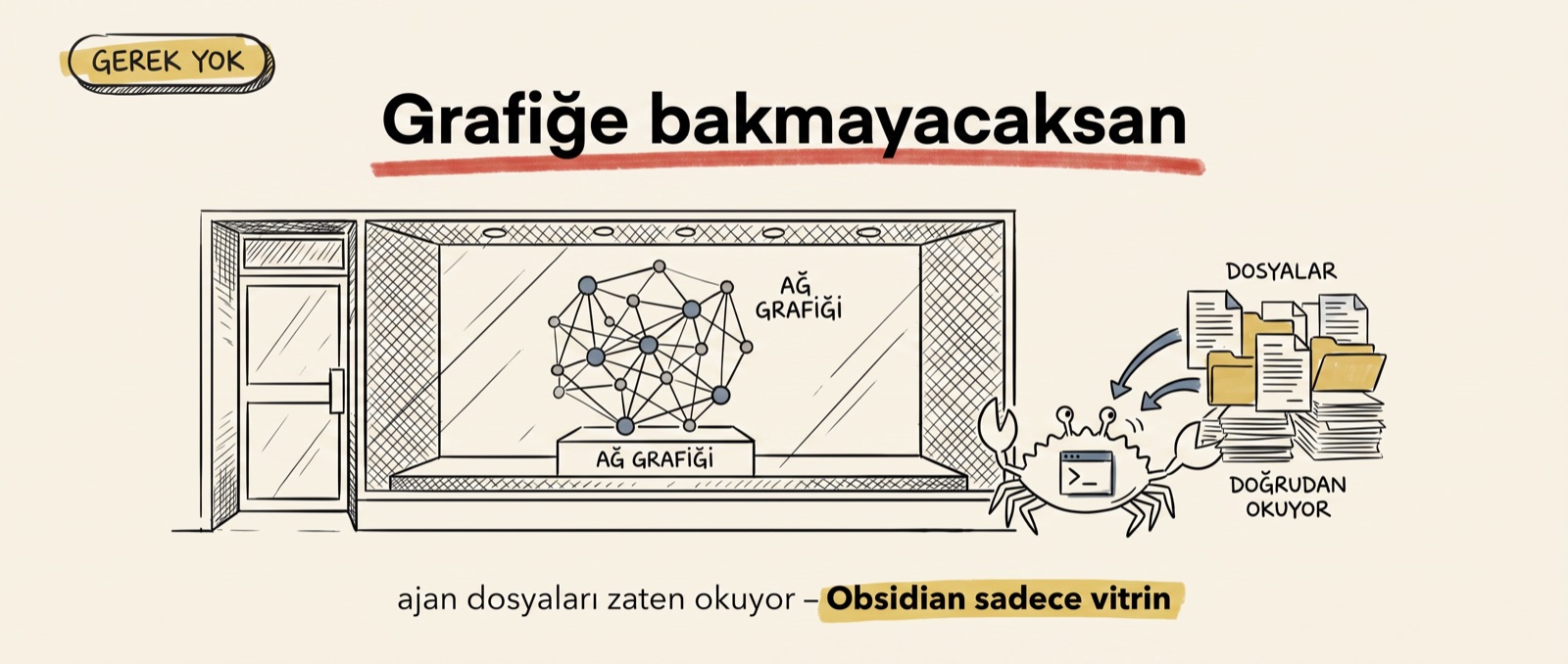
In the video's closing I split this decision across seven cards; the same seven sentences are the decision list of this piece too. Whichever line you find yourself in, that is your answer.
- If you already live inside Claude Code, use it. The vault is the agent's house; Obsidian is that house's window.
- If your knowledge keeps accumulating, use it. If months later you will come back asking "why did we do it this way", the graph speeds up that return.
- If you say "my data stays on my disk", use it. Everything local, everything markdown.
- If looking at the graph gives you a feeling of control, use it. The X-ray of your memory is right there.
- If it is a one-off project, skip it. You do not build a vault on a structure you will never return to.
- If you will never look at the graph, skip it. The agent already reads the files; in that scenario Obsidian is just a shop window.
- If all you want is "upload, ask, get the answer", skip it. There is an entirely different, ready-made tool for that.
So: Obsidian does not build the system, it makes it visible. The skeleton of store, map and rules file works exactly the same in a plain folder; Obsidian adds a pane of glass, a way to wander, and a feeling of control on top. Everyone on X shows the combination; in this piece I lifted the glass and measured the folders behind it down to the byte. The next part goes to the reader in that last line: for those who do not want to bother building, is the ready-made tool NotebookLM enough — can it take the vault's place?