 article
I Made Two AI Agents Talk in One Folder: OpenClaw + Claude Code (Zero API, Zero Protocol)
May 3, 2026 · selma kocabıyık
I tried 4 different models. One of them silently drained my Claude Max quota. Then I realized something: making two AI agents talk to each other doesn't need an API. A single shared folder is enough.
This article covers two things:
- Why model choice in OpenClaw is so critical
- How I made two agents talk through OpenClaw + Claude Code
What is OpenClaw? Why use it?
OpenClaw is an agent system that runs as a daemon in the background of your machine. You connect a model, give it a workspace folder, and run it through whatever interface you want.
I used Discord because I wanted access from anywhere. But that part is completely optional — the integration is your choice.
The real distinction:
- OpenClaw → always-on (daemon)
- Claude Code → on-demand (per-session)
So:
- OpenClaw: quick tasks throughout the day, continuous flow
- Claude Code: deep focus, coding, detailed work
Combining them makes the system far more powerful.
Why is model choice so important?
OpenClaw isn't a classic chat system. There's an agent loop running underneath, and it creates serious cost:
- ~4K token system prompt
- 3–7 tool calls per turn
- Constant context reloading
What this means:
- Slow model → minutes of waiting
- Expensive model → costs spike fast
- Rate limit → system constantly cuts off
- Wrong auth → unexpected bills
The same system behaves completely differently when you swap the model.
The 4 models I tried — and what happened
1. Local model (Qwen 7B + Ollama)
The problem isn't the model itself — it's the prefill cost. Loading a 4K-token system prompt alone takes 30+ seconds. And the agent loop repeats this every turn.
Result: not yet efficient on consumer hardware.
2. Anthropic (Claude Haiku)
At first, everything looked normal. But something unexpected was happening in the background:
OpenClaw finds the Claude OAuth token in macOS Keychain and uses it instead of your API key. So it doesn't matter what you put in your config file.
Result: my Claude Max quota disappeared without me noticing.
The lesson: if a Keychain token exists, you can't fully trust your config.
3. Groq (free tier)
In theory, perfect: very fast, free.
In practice:
- ~1 request/minute limit
- Agent loop → 3–7 requests per turn
Result: constant 429 errors. Free tier and agent systems are incompatible.
4. OpenAI (gpt-5-mini)
The "boring" but most stable option:
- Low cost (~$0.005 / message)
- Stable performance
- No rate limit issues
- Auth without surprises
Result: the lowest-friction working solution.
The real idea: making two agents talk
I didn't build any complex system:
- No API
- No event bus
- No protocol
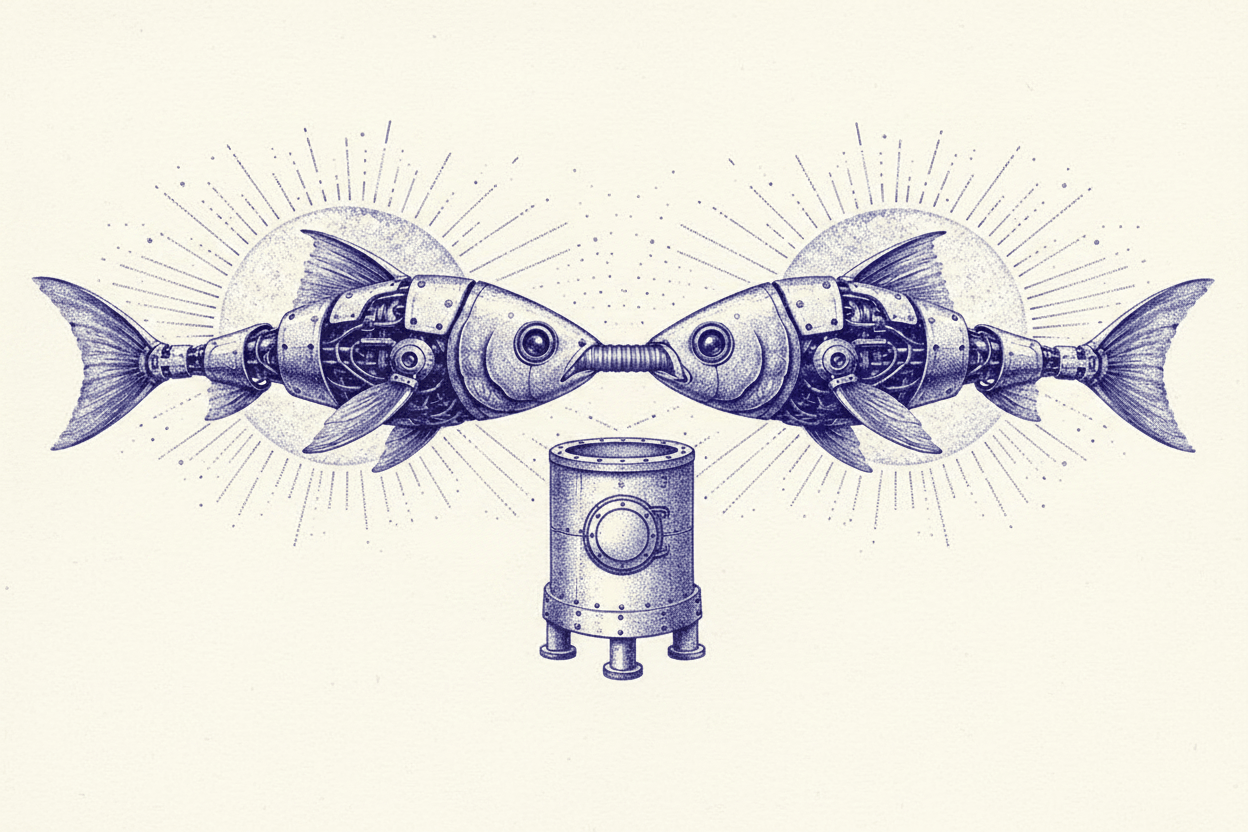
I did just one thing: used a shared folder. ~/notes/
How it works
- OpenClaw: writes incoming messages to files throughout the day. Example:
memory/2026-05-01.md - Claude Code: reads the same folder. Knows what happened during the day.
Why it works so well
Because markdown is already the common language:
- Easy to write
- Easy to read
- Natural format for LLMs
And on top, when you open it in Obsidian → the whole system becomes a knowledge graph.
The most important takeaway
- OpenClaw is highly sensitive to model choice
- Watch out for keychain behavior
- Free tier solutions aren't enough for agent systems
- OpenAI is currently the most stable starting point
But the most critical point: you don't need complex systems to connect two agents. Filesystem is the oldest communication protocol.
Closing
2 agents · 1 folder · 0 protocols. And it works.
Watch the full walkthrough on YouTube: youtube.com/watch?v=bqAME9Lbhu4
GitHub repo: github.com/selmakcby/jarvis
For more short AI tips: @selmaaii
 Multi-Agent Systems & Obsidian — Building a Developer Army with Claude Code